What Do I Upload for Best Results?
Use the highest-resolution supplier preview you can download so fine details and text stay sharp in your final mockups.
For best results, upload POD provider previews or mockups that are that least 1500x1500 pixels. If the fine details or text are hard to see, our AI may struggle to keep them sharp. Uploading a high resolution image gives PODMocks enough detail to keep small text, thin lines, and artwork edges sharp.
If you can't read text or see the detail in your uploaded image, our AI can't either!
Don't have a POD provider preview? Smartphone photos or traditional mockups also work great. Just make sure your design isn't too blurry. Don't worry about lighting or making it look pretty, we'll handle all of that!
Printify
From "My Products", find your product, then click "edit design". You should see your product editor.
Switch from the "Edit" to the "Preview" tab in the top right corner.
Then click "download mockup" in the bottom left corner:
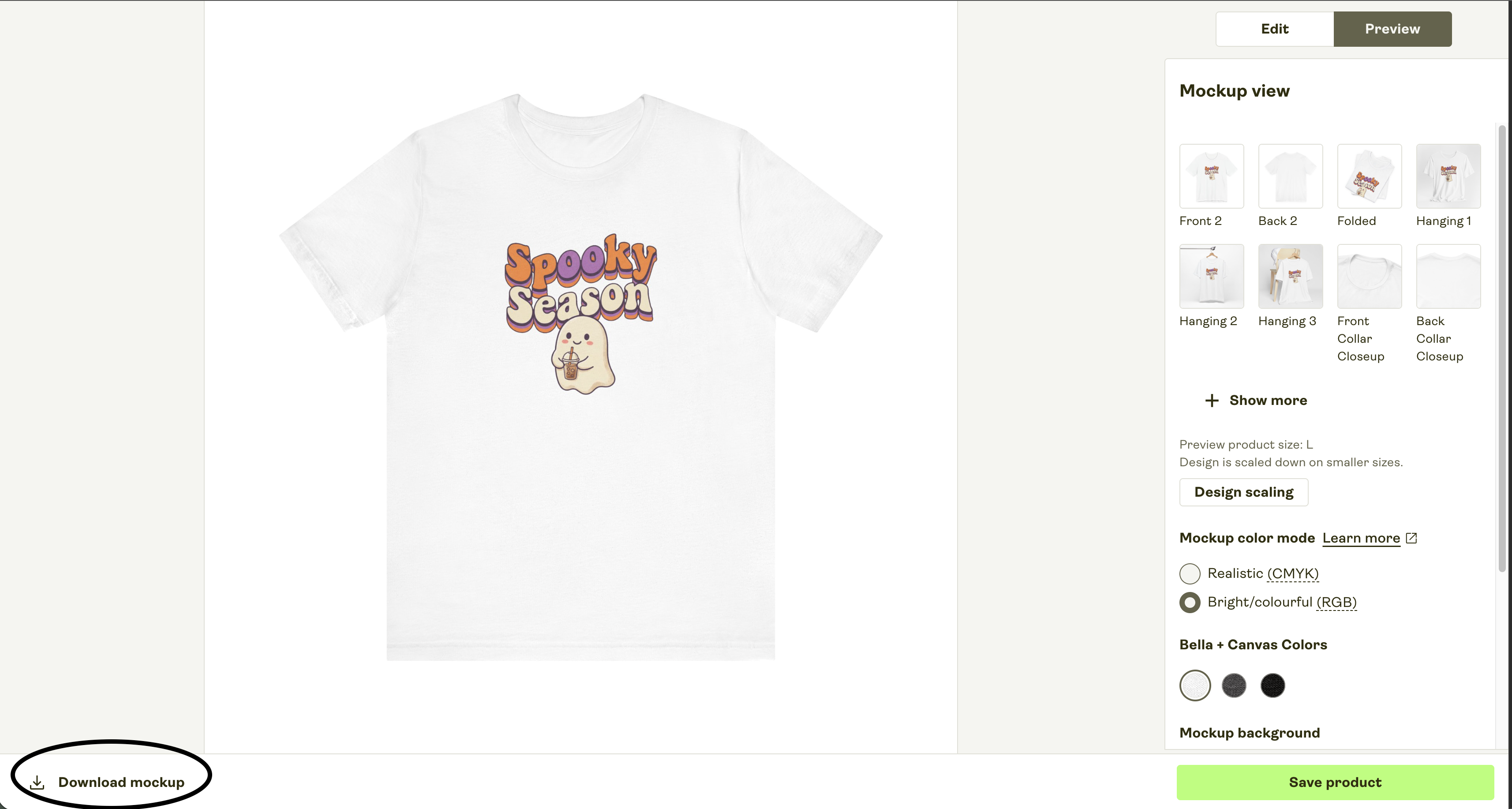
Just upload this directly into PODMocks! We'll do our magic and create and unique, high resolution 2k or 4k mockup:
Printful
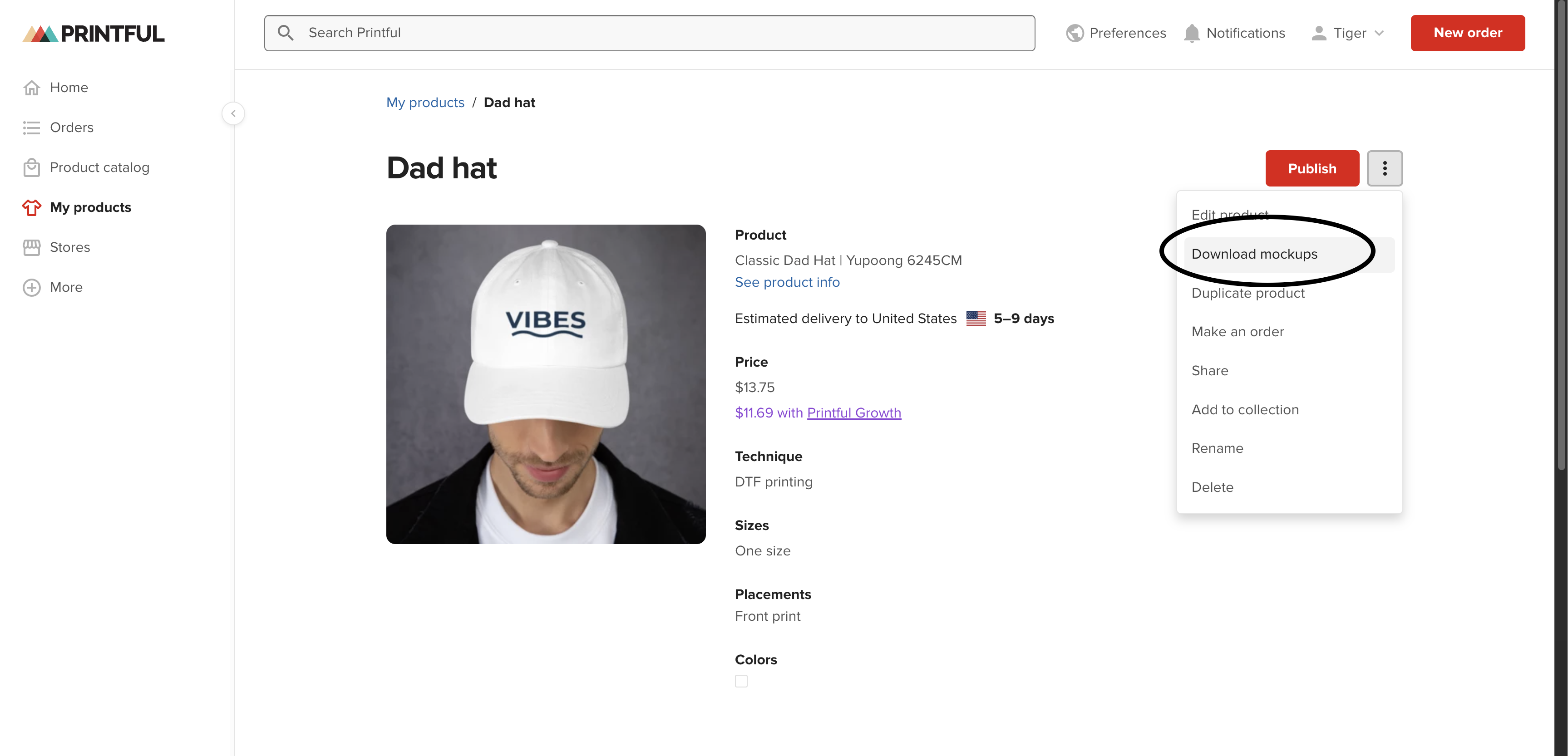
From "My Products", find your product, then click "Download Mockups". Any of the basic flat mockups that shows your design will work perfectly!